
This delivery addresses Freelancer Project 40579040: migrate the provided Excel workbook to Google Sheets while carrying over formulas and calculations, complex lookup and logical formulas, array formulas, data validation, and conditional formatting.[1] The implementation created a new Google Sheet, repaired known workbook-specific compatibility problems, restored rules, and exported the result for a second structural review. The run retained all 24 sheets, matched all 68 conditional-format rules, and matched the selected critical values, but it also found 534 new DIVIDE_BY_ZERO results and a data-validation verification mismatch.[5] The correct delivery status is therefore verification_requires_review, not “perfect conversion.”
Customer and Problem Definition
The project brief asks for one Excel spreadsheet to be replicated in Google Sheets. Its acceptance scope names formulas and calculations, VLOOKUP/HLOOKUP, IF/AND/OR, array formulas, data validation, conditional formatting, and careful accuracy checking.[1] It does not ask for a generic service that can convert every possible XLSX feature, nor does it ask for VBA-to-Apps-Script conversion.
That distinction shaped the implementation. The code first inventories the supplied workbook and then applies compatibility rules that are justified by structures actually present in that file. Some repairs refer to workbook-specific sheets and coordinates such as BASE_FILTER, BASE_CONSOL, BASE_TEMP, MP1_SHOP, and MP1_DEP. Those rules are evidence that the delivery was tailored to the provided workbook. They are not evidence of universal XLSX support.
The source workbook is large enough that a cell-by-cell rebuild would create unnecessary risk. The verified inventory contains:
- 24 worksheets
- 569,008 populated or styled cells
- 241,330 formula cells
- 5,513 array-formula anchors
- 17 standard data-validation definitions and 16 x14 validation definitions
- 68 conditional-format rules
- 36 Office Open XML package parts, all verified in the source snapshot[5]
Microsoft documents that formulas, array behavior, references, and validation rules can require compatibility review when workbook formats or spreadsheet environments change.[6] For this delivery, “replicated” therefore means that the conversion was executed, the named requirements were repaired where necessary, and measurable differences were reported for review.
Current Workflow and Bottlenecks
Google Drive supports importing Microsoft Excel files as Google Sheets.[2] The implementation uses that native conversion as the baseline so that worksheet layout, merged ranges, values, formulas, and styles receive Google’s built-in conversion treatment before targeted changes are applied.
The workflow is deliberately staged:
- Hash the source XLSX and inventory every Office Open XML part and relationship.
- Store an exact source copy and structured projections in a deterministic snapshot ZIP.
- Upload the verified source copy as a new native Google Sheet.
- Read the converted sheet metadata and confirm that all source worksheet names exist.
- Temporarily clear data-validation rules that could block corrective writes.
- Repair formula tokens, array anchors, damaged references, and recoverable cached values.
- Restore data validation and conditional formatting through the Sheets API.
- Audit formula errors and selected critical values.
- Export the Google Sheet back to XLSX and compare the converted package with the source inventory.
- Record either
verification_passedorverification_requires_review.
Google Sheets applies spreadsheets.batchUpdate requests in their listed order and rejects an invalid batch without partially applying its requests.[3] The implementation adds operational controls around that API behavior: JSON requests are bounded by item count and byte size, writes are paced, and retryable HTTP or transport failures use bounded exponential backoff. During this run, the first validation batch experienced timeouts and an HTTP 500 response, then succeeded through the retry path.
AI Application Scenario
Generative AI is not on the critical migration path. The safe automation boundary is deterministic: inspect the workbook, apply an allowlisted set of compatibility repairs, call the Google APIs, and compare measurable output. A model could later help summarize review findings, but it should not invent formulas, silently resolve accounting logic, or approve the migrated workbook. Those decisions remain with a spreadsheet owner.
The source workbook contains both ordinary formulas and formulas exported with compatibility prefixes or placeholder functions. The repair module limits automatic token rewrites to a documented allowlist. Examples include _xludf.IFNA to IFNA, _xludf.IFS to IFS, and supported FILTER, UNIQUE, and SORT prefixes. Text inside quoted formula strings is not rewritten.
Array behavior receives separate treatment. Legacy Excel array formulas store their result range independently from the anchor formula. Google Sheets can evaluate the same expression differently when it is written as an ordinary scalar formula. The implementation therefore preserves eligible anchors with ARRAYFORMULA and clears placeholder spill cells before writing the repaired anchor.
Some exported formulas contain __xludf.DUMMYFUNCTION. When the original dynamic formula can be decoded safely, the implementation restores that formula. When it cannot, it preserves a typed cached value rather than inventing a formula. This is why the execution report distinguishes formula updates from cached-value updates:
- 3,144 formula updates
- 160,903 cached-value updates
- 1,204 prefixed function rewrites identified during source analysis
- 53 recoverable dummy-formula anchors
- 858 spill cells scheduled for clearing[5]
The large cached-value count is an explicit limitation, not a hidden success metric. Source analysis found 160,903 computed-value cells without a recoverable dynamic anchor. Those cells retain the workbook’s snapshot values, but they do not automatically regain an unknown generating formula.
Data, Security, and Operational Boundaries
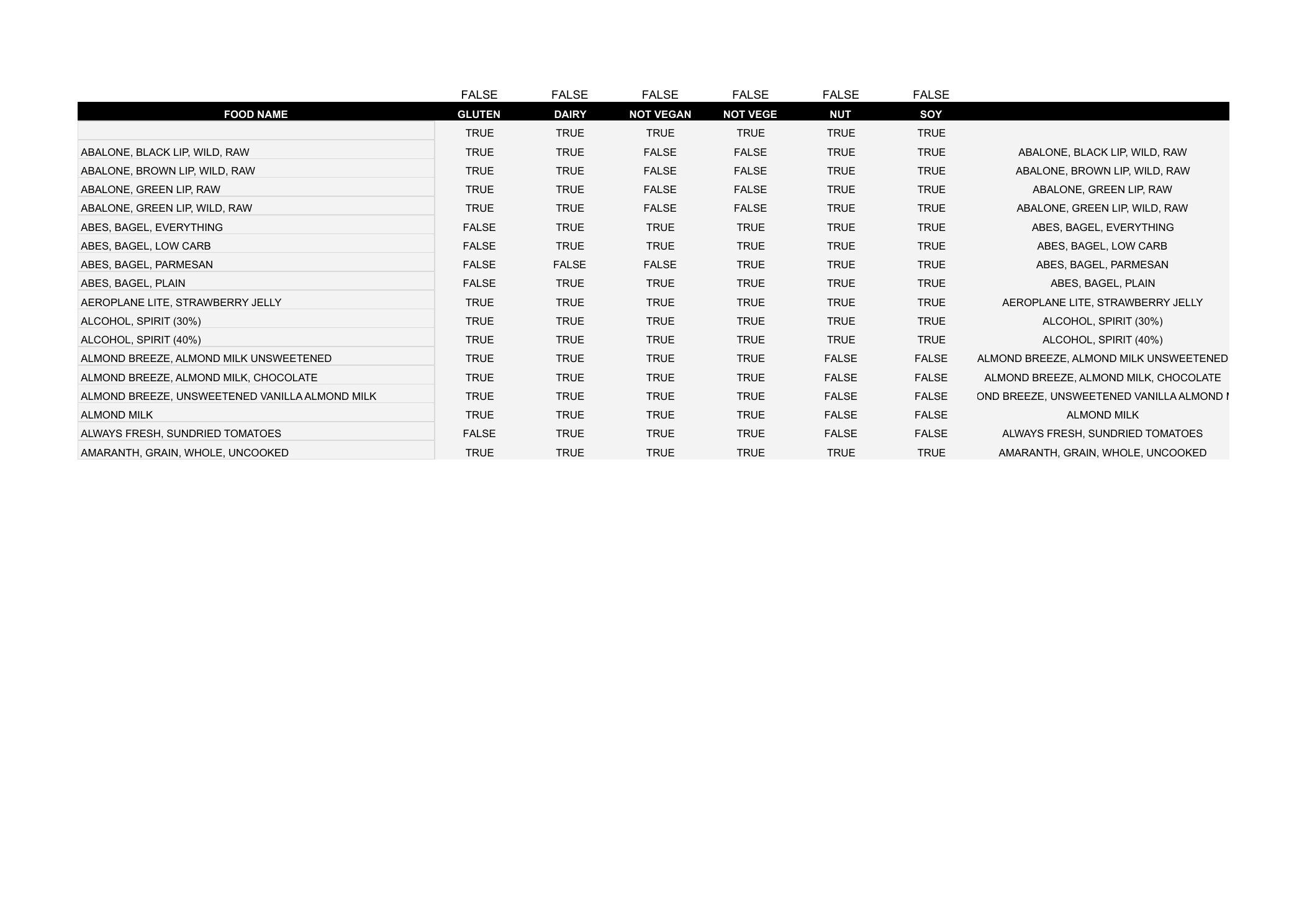
The source contains standard Excel data-validation records and x14 extension validations. The implementation extracts both representations, normalizes their ranges, repairs missing dropdown values when possible, clears converted rules, and then restores the intended rules with Sheets API requests.
The run reported 473 validation targets restored and 16 rules observed by the API verification step. The final exported XLSX contained 33 data-validation records, matching the source inventory total, but the API-level validation comparison returned false.[5] This discrepancy must be reviewed before acceptance. The current evidence does not support saying that every validation behaves identically in Google Sheets.
Conditional formatting produced a clearer result. The source contained 68 rules. The migration restored 68 rules, the final metadata returned 68 rules, and the count comparison passed.[5] The exported workbook also contained 68 conditional-format records. Count equality does not prove pixel-identical rendering, but it does prove that the requested rule set was not silently reduced by count.
The migration also repaired one existing dropdown value that was absent from its source range. This keeps the existing selection valid after conversion instead of rejecting or silently clearing it.
The command-line interface defaults to analysis-only behavior. A real Drive file is created only when --execute is present, and --force-new avoids modifying an earlier migration attempt. OAuth credentials and refresh tokens are operational secrets. They must remain outside published document and video bundles. The workbook's cell values, spreadsheet ID, private URL, and critical-value samples must also remain outside public artifacts.
Implementation Architecture and Cost Assumptions
The implementation runs as a local Python migration utility backed by Google Drive and Sheets APIs. Its main stages are snapshot, native import, targeted repair, rule restoration, audit, export, and comparison. The execution reused an existing authorized Google account and local workstation; the infrastructure cost assumption for this single run is therefore $0 per month in dedicated hosting. That estimate excludes Google Workspace subscription charges, API quota policy changes, human review time, and any future hosted scheduler or monitoring service.
Verification found both passing checks and review findings.
The execution created a new Google Sheet and completed the export-back verification. Private values, the spreadsheet ID, and the access-controlled Sheet URL are excluded from this public page. A sanitized execution summary is retained with the content QA artifacts.[5]
The following checks passed:
- A new native Google Sheet was created.
- All 24 source worksheet names were present.
- The source snapshot verified all 36 package parts and all 32 internal relationships.
- Selected critical source and lookup values matched.
- 68 conditional-format rules were restored and 68 were verified.
- The exported workbook contained 24 sheets, 33 data-validation records, and 68 conditional-format records.[5]
The following findings require review:
- The validation verification did not match the expected API state.
- The audit found 534 new
DIVIDE_BY_ZEROresults, concentrated in reviewed MP worksheet ranges. - The exported workbook’s Office Open XML inventory differs from the source inventory.
- Google conversion changed formula-cell representation and several structural hashes.
IMPORTRANGEmay require a user to grant access to its source spreadsheet.[4][5]
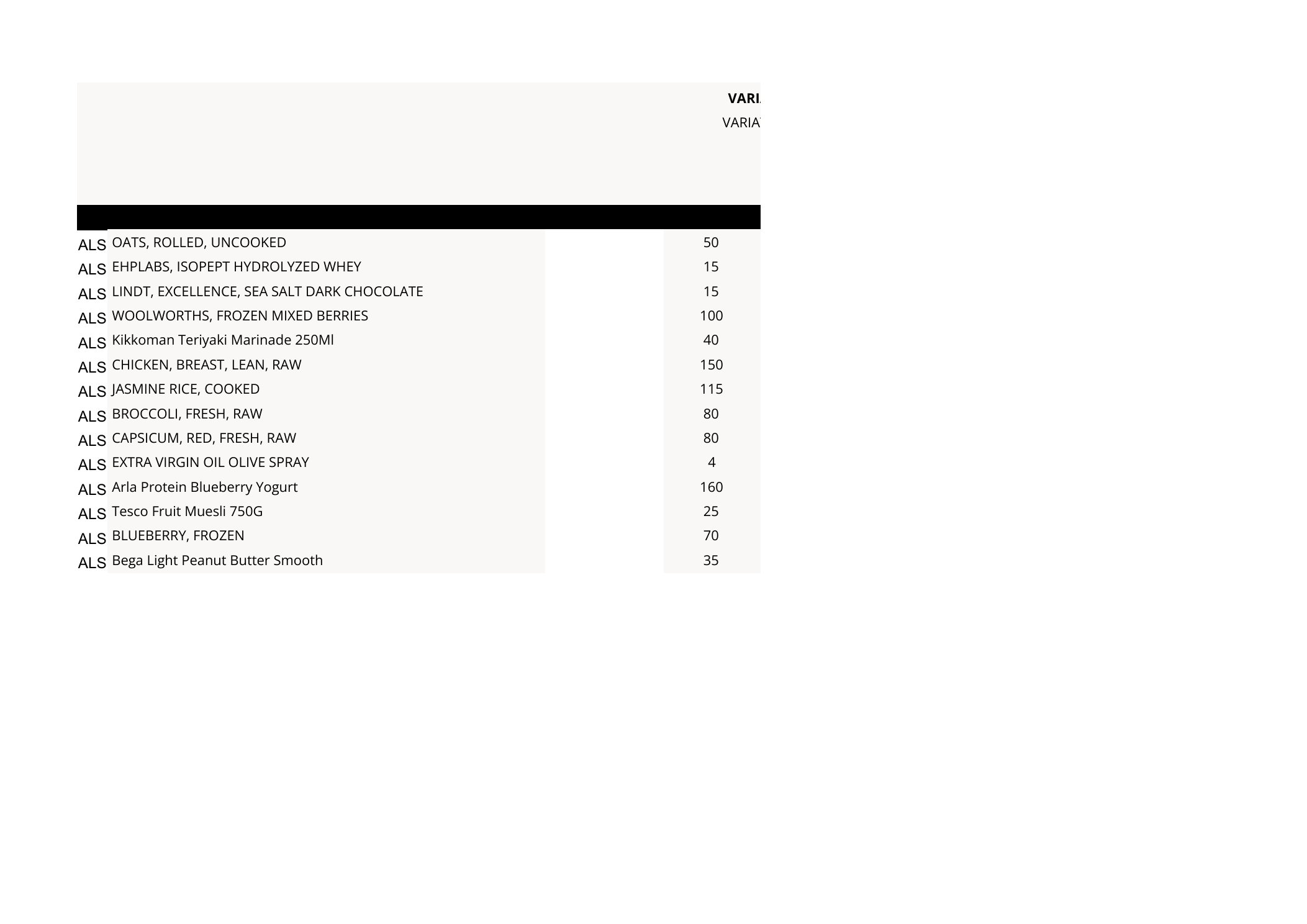
The DIVIDE_BY_ZERO findings do not automatically mean 534 newly damaged business results. Some formulas can become actively evaluated in Google Sheets where Excel had stored only cached output. They still require inspection: the reviewer should confirm whether a zero denominator is an expected empty-state condition, a formula that needs an IFERROR or denominator guard, or a genuine migration defect.
Adoption Roadmap and KPIs
The rollout path is intentionally short: analyze the workbook, execute into a new Sheet, review flagged differences, and accept only after user testing. Useful KPIs are worksheet-count match, conditional-format count match, data-validation verification, new formula-error count, critical-value match, and completion of the user acceptance checklist. For this run, the first two structural counts and selected critical values passed; the validation comparison and new formula-error count did not meet the acceptance threshold.[5]
The analysis command creates or verifies the OOXML snapshot, builds the migration manifest, and prints the planned repairs without calling Google APIs.
Analysis-only example:
python3 main.py \
  --input test.xlsx \
  --report analysis-report.json
Authorized migration example:
python3 main.py \
  --input test.xlsx \
  --execute \
  --force-new \
  --validation-policy warn \
  --report migration-report.json
--reuse-existing is available only for an intentional resume of the newest Sheet with the same title and source hash. The source XLSX is never saved back by the migration code; the uploaded bytes are read from the verified snapshot copy.
Risks and Checklist
The migration should move from “executed” to “accepted” only after a spreadsheet owner completes the remaining review.
- [x] Confirm that the source snapshot hash matches the supplied workbook.
- [x] Confirm that all 24 worksheets exist in the Google Sheet.
- [x] Confirm that selected critical values match their source lookups.
- [x] Confirm the conditional-format rule count: 68 source, 68 restored, 68 verified.
- [ ] Inspect the validation-rule mismatch and test dropdown behavior in representative sheets.
- [ ] Review the 534 new
DIVIDE_BY_ZEROcells and classify expected empty-state results versus defects. - [ ] Review material OOXML differences, especially merged ranges, formula representation, and style components.
- [ ] Grant and test
IMPORTRANGEaccess if cross-spreadsheet data is required.[4] - [ ] Run user acceptance tests for the workbook’s normal editing, filtering, lookup, and reporting workflows.
- [ ] Record accepted exceptions and obtain final client approval.
Conclusion
The implementation completed the requested Excel-to-Google-Sheets migration workflow for the provided 24-sheet workbook. It preserved the worksheet count, restored and verified all 68 conditional-format rules by count, retained 33 validation records in the exported workbook, repaired 3,144 formulas, preserved 160,903 recoverable snapshot values, and matched selected critical values.[5] It also surfaced unresolved validation behavior, 534 new division-by-zero results, and structural differences. The deliverable is therefore a working migration candidate with a reproducible audit trail and a precise review queue; final acceptance should follow the checklist above rather than an unsupported claim of perfect conversion.
Sources
- Excel to Google Sheets Migration, Project ID 40579040. Freelancer. July 2026. https://www.freelancer.com/projects/google-sheets/Excel-Google-Sheets-Migration-40579040/details. Accessed: 2026-07-20.
- Upload file data. Google for Developers. Updated 2026. https://developers.google.com/workspace/drive/api/guides/manage-uploads. Accessed: 2026-07-20.
- Method: spreadsheets.batchUpdate. Google for Developers. Updated 2026-06-16. https://developers.google.com/workspace/sheets/api/reference/rest/v4/spreadsheets/batchUpdate. Accessed: 2026-07-20.
- IMPORTRANGE. Google Docs Editors Help. https://support.google.com/docs/answer/3093340?hl=en. Accessed: 2026-07-20.
- Sanitized migration execution summary. Local verification artifact reviewed on 2026-07-20.
- Formula compatibility issues in Excel. Microsoft Support. https://support.microsoft.com/en-US/Excel/formula-compatibility-issues-in-excel. Accessed: 2026-07-20.